Agent Toolkit for AWS
Give your coding agent the tools, knowledge, and guardrails to build production-ready infrastructure on AWS.
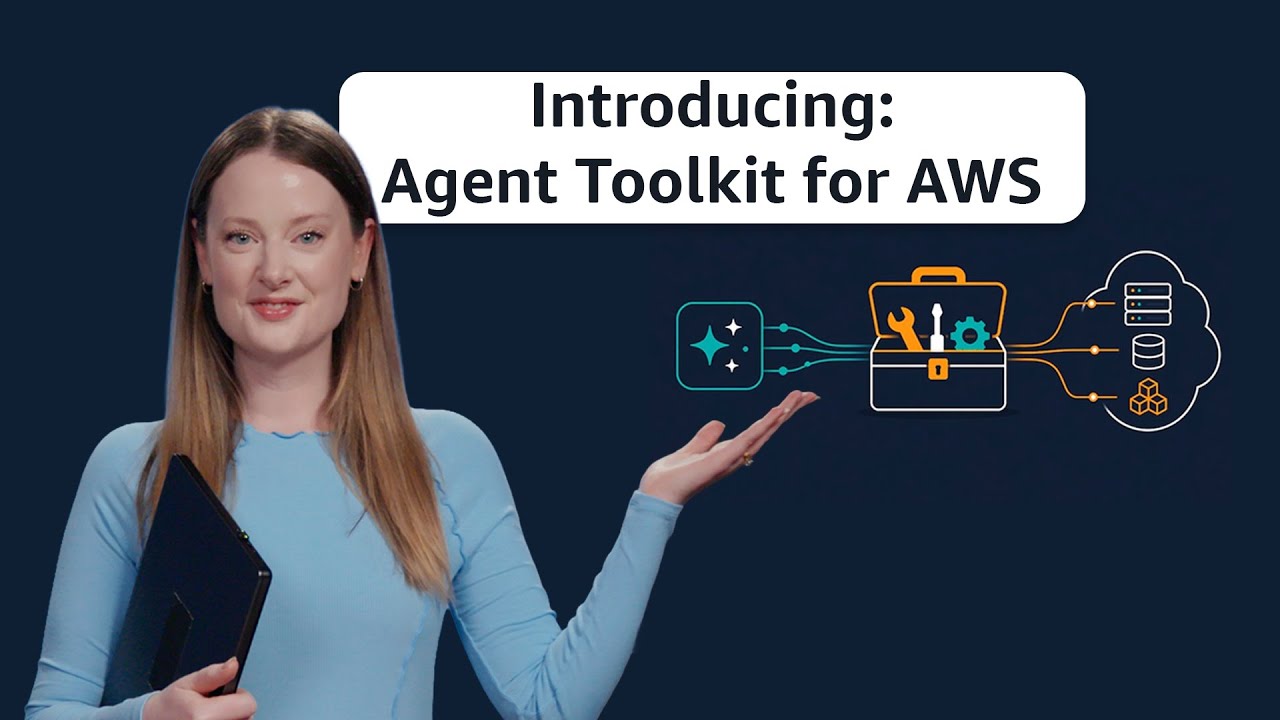
Set up in one command
aws configure agent-toolkitRequires AWS CLI 2.35+. Auto-detects your agents, installs skills, and configures the MCP Server. No additional charge; you pay only for the AWS resources your agent provisions or interacts with.
Why it matters
From faster iteration to safer operations
Any coding agent can scaffold a basic application. Agent Toolkit for AWS gives your agent the knowledge to ship production-ready infrastructure with proper security configurations, cost-efficient resource choices, and architectures that follow AWS Well-Architected best practices. Curated skills guide your agent through complex, multi-step workflows like configuring data pipelines, creating production-ready VPCs, or connecting an AWS Lambda function to Amazon API Gateway.
Without context, agents burn tokens on trial-and-error and deprecated APIs, and they miss services newer than their training cutoff. The toolkit adds tested procedures and fetches current AWS documentation at query time, so agents aren't working from training data that may be months old, and can handle services released after their training cutoff, like Amazon S3 Tables, Aurora DSQL, and Bedrock AgentCore.
Without: repeated deprecated API attempts, tokens burned, no working result.
With: it loads the S3 skill and finishes in one pass with a working bucket policy.
Commands run through a local terminal are impossible to attribute, govern, or audit. The AWS MCP
Server adds CloudWatch monitoring, IAM-based access controls, and guardrails that separate what humans can do from what agents can do.
Without: an agent deletes a production DynamoDB table matching a name pattern.
With: IAM keeps it read-only in production, so it suggests but can't execute.
Using a coding assistant? Add the MCP Server and skills to Kiro, or install the plugin in Claude Code, Codex or Devin.
Building a custom agent? If you're using Strands, LangChain, or Bedrock AgentCore, the MCP Server exposes AWS APIs over MCP and runs scripts in a sandboxed Python environment with no local filesystem or network access.
Features
Everything that your agent needs
AWS MCP Server
The AWS MCP Server is a managed, remote server that gives AI agents secure access to AWS through the Model Context Protocol (MCP). Agents can execute AWS CLI commands, search AWS documentation, and follow curated skills — all through a single authenticated endpoint with CloudWatch metrics and IAM-based access controls.
- Full AWS API coverage — Agents can interact with any of the 300+ AWS services and 15,000+ API actions through a single tool, without installing the AWS CLI locally.
- Sandboxed script execution — Agents can write and execute Python scripts in an isolated environment to perform multi-step operations, process data, and orchestrate complex workflows — without access to your local filesystem or network.
- Real-time documentation access — Agents can search and retrieve current AWS documentation, user guides, and API references to stay up to date on the latest services and features.
- Enterprise controls — Monitor agent activity through CloudWatch, enforce organization-wide policies using IAM context keys, and set guardrails on what actions agents can perform through MCP.

Agent Skills
Agent skills are curated packages of instructions, code scripts, and reference materials that help agents complete specific tasks on AWS. Skills are loaded on demand — agents discover and retrieve only the skills relevant to the current task, keeping context window usage low. All skills are thoroughly evaluated to ensure they improve agent success and efficiency.
- Service decision guides — Help agents choose the right AWS service for a given use case, with opinionated recommendations and tradeoff analysis.
- Step-by-step procedures — Tested workflows for common tasks like creating S3 Tables, setting up Glue ETL pipelines, configuring IAM policies, and deploying serverless applications.
- Troubleshooting guides— Diagnostic procedures for common errors, with root cause analysis and resolution steps.
- Discoverable at runtime — You can pre-install skills, or your agents can discover them through the AWS MCP server when they need them.
- Open source — Available on GitHub in the Agent Toolkit for AWS repo.

Agent Plugins
Easy-install plugins that bundle the AWS MCP Server configuration and a curated set of agent skills. Available for Kiro, Claude Code, Cursor, Codex, and Devin, with support for additional agents coming soon.
- Easy install — A single installation in Claude Code, Cursor, or Codex to enable MCP server access and curated skills.
- Automatic updates — Skills and MCP server configurations update automatically as new capabilities are added.
- Open source — Available on GitHub in the Agent Toolkit for AWS repo.

Rule Files
Rules files are project-level configuration files that give your agent persistent instructions to follow in every session. The Agent Toolkit for AWS includes a recommended rules file that tells your agent how to work with AWS: use the AWS MCP Server for API calls, search for available skills before starting a task, verify work against current documentation, and prefer infrastructure as code over direct CLI commands.
- Persistent guardrails— Instructions apply automatically in every session, so you do not have to re-prompt your agent each time.
- Works with your agent— Add the recommended rules to the configuration file your agent already uses, with no new format or tooling required.
- Better toolkit usage— The recommended rules point agents to the MCP Server and to skill discovery, so they actually use the toolkit instead of relying on stale knowledge.
- Customizable— Add project-specific rules such as your AWS Region, target VPC, resource naming conventions, and required tags.
- Quick setup — Copy the recommended rules file into your agent’s configuration, then customize it for your project. See the Agent Toolkit for AWS documentation.

Resources and Community
Go deeper, get help


Frequently asked questions
FAQs
Open allMCP is an open standard for connecting AI agents to external tools and data sources. It provides a standardized way for agents to discover available tools, call them with structured inputs, and receive structured outputs. MCP is maintained by the Agentic AI Foundation under the Linux Foundation, with AWS as a founding member.
You need an AWS account and IAM credentials to use the AWS MCP Server for API access. Agent skills and documentation search are available without authentication. See Setting up the AWS MCP Server.
Agent Toolkit for AWS is available at no additional charge. You pay only for the AWS resources your agent provisions or interacts with, at standard AWS pricing.
Yes. You can use IAM policies to control which AWS actions agents can perform through the MCP server. IAM context keys (aws:ViaAWSMCPService and aws:CalledViaAWSMCP) let you write policies that apply specifically to the agent-initiated actions. You can use these keys in IAM policies and service control policies (SCPs) to differentiate between requests made through an AWS-managed MCP server and direct API calls.
- IAM condition keys that distinguish between agent actions and human actions, so you can write policies that apply only to agents. For example, you can write policies that only allow read-only actions through the MCP server, even if the user’s underlying IAM role can take write actions.
- CloudWatch metrics and CloudTrail audit logging for every request, so you can monitor and audit coding agent activity.
- Agent skills that have undergone thorough end-to-end evaluations, so you can be confident that workflows will complete successfully.
The Agent Toolkit for AWS is the successor to those tools. We recommend using the Agent Toolkit for AWS, because it offers key features including:
AWS Labs MCP servers, skills, and plugins will continue to work and accept contributions, and over time the best of AWS Labs will be transitioned to the Agent Toolkit for AWS to ensure that customers can access the broadest array of tooling and guidance for their agents.
Getting Started
- uv installed (runs the MCP proxy).
- AWS credentials (optional). Only for API calls, not docs search.
Kiro
Add the MCP server configuration to ~/.kiro/settings/mcp.json
{
  "mcpServers": {
    "aws-mcp": {
      "command": "uvx",
      "timeout": 100000,
      "transport": "stdio",
      "args": [
        "mcp-proxy-for-aws@1.6.3",
        "https://aws-mcp.us-east-1.api.aws/mcp",
        "--metadata", "AWS_REGION=us-west-2"
      ]
    }
  }
}
Then install skills using
npx skills add aws/agent-toolkit-for-aws/skills
Pin the proxy to a specific version (e.g. mcp-proxy-for-aws@1.6.3) for reproducible behavior. Check PyPI regularly for new stable versions and update accordingly.
Other MCP-compatible agents
Add the MCP server configuration to your agent's MCP config file
{
  "mcpServers": {
    "aws-mcp": {
      "command": "uvx",
      "timeout": 100000,
      "transport": "stdio",
      "args": [
        "mcp-proxy-for-aws@1.6.3",
        "https://aws-mcp.us-east-1.api.aws/mcp",
        "--metadata", "AWS_REGION=us-west-2"
      ]
    }
  }
}
Then install skills using
npx skills add aws/agent-toolkit-for-aws/skills
Pin the proxy to a specific version (e.g. mcp-proxy-for-aws@1.6.3) for reproducible behavior. Check PyPI regularly for new stable versions and update accordingly.
Explore available skills
Browse the full catalog of available skills on GitHub.
Try it out
Ask your agent: "Create an S3 bucket with versioning enabled and a lifecycle policy that transitions objects to Glacier after 90 days."
Did you find what you were looking for today?
Let us know so we can improve the quality of the content on our pages